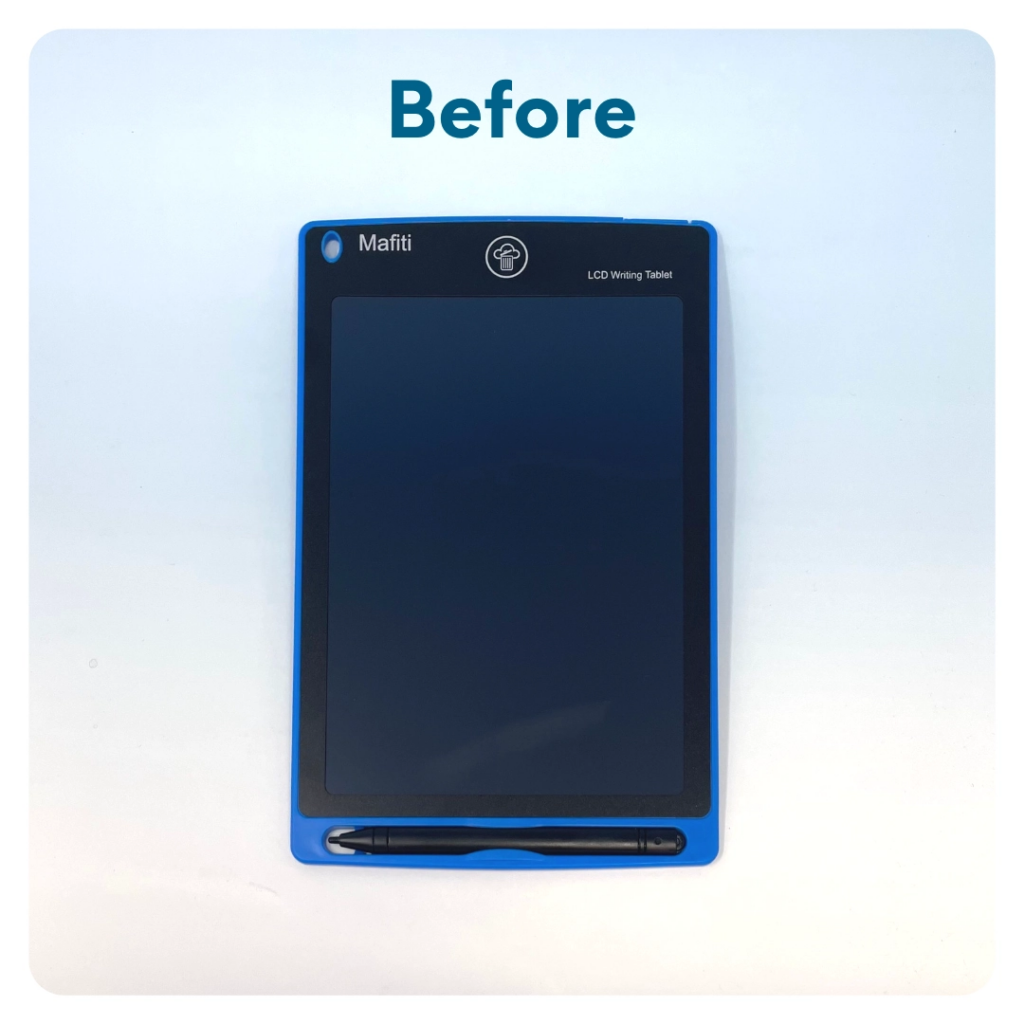
LCD Writing Tablet
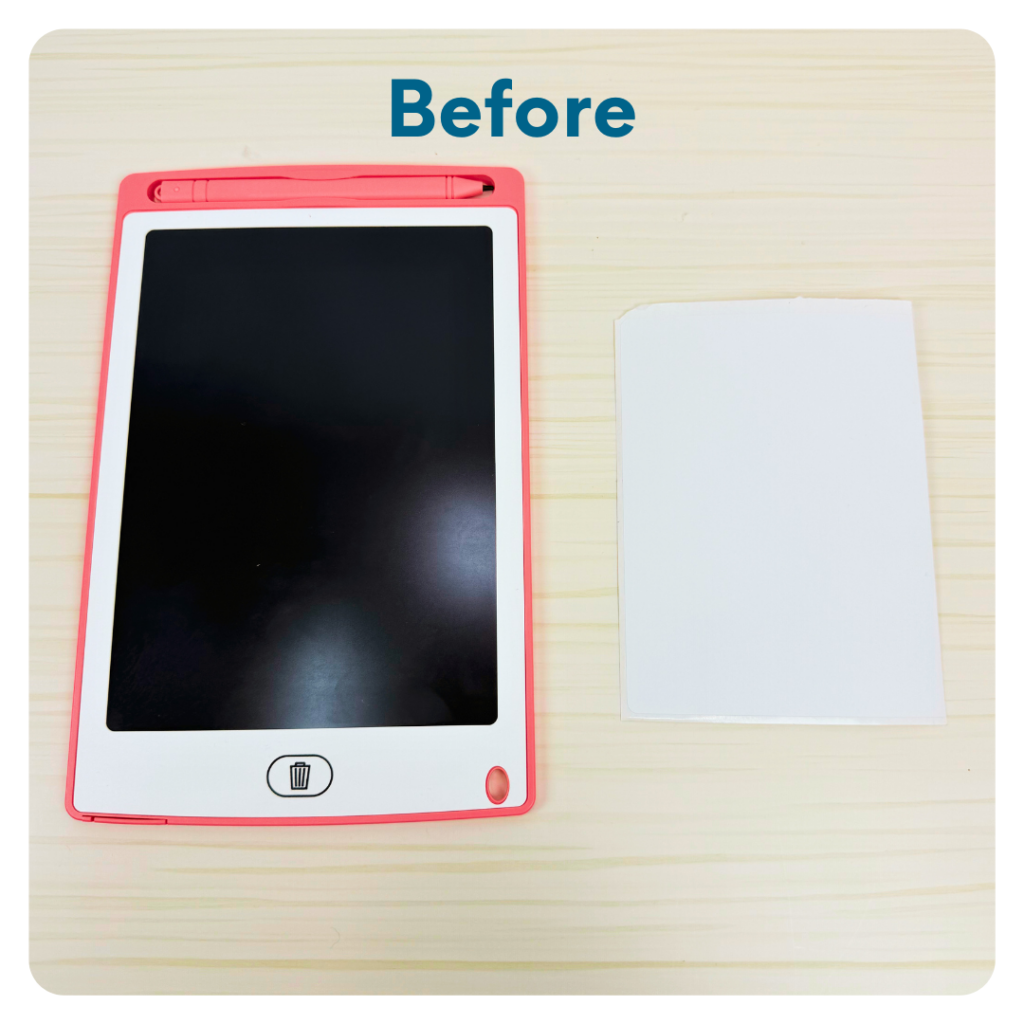
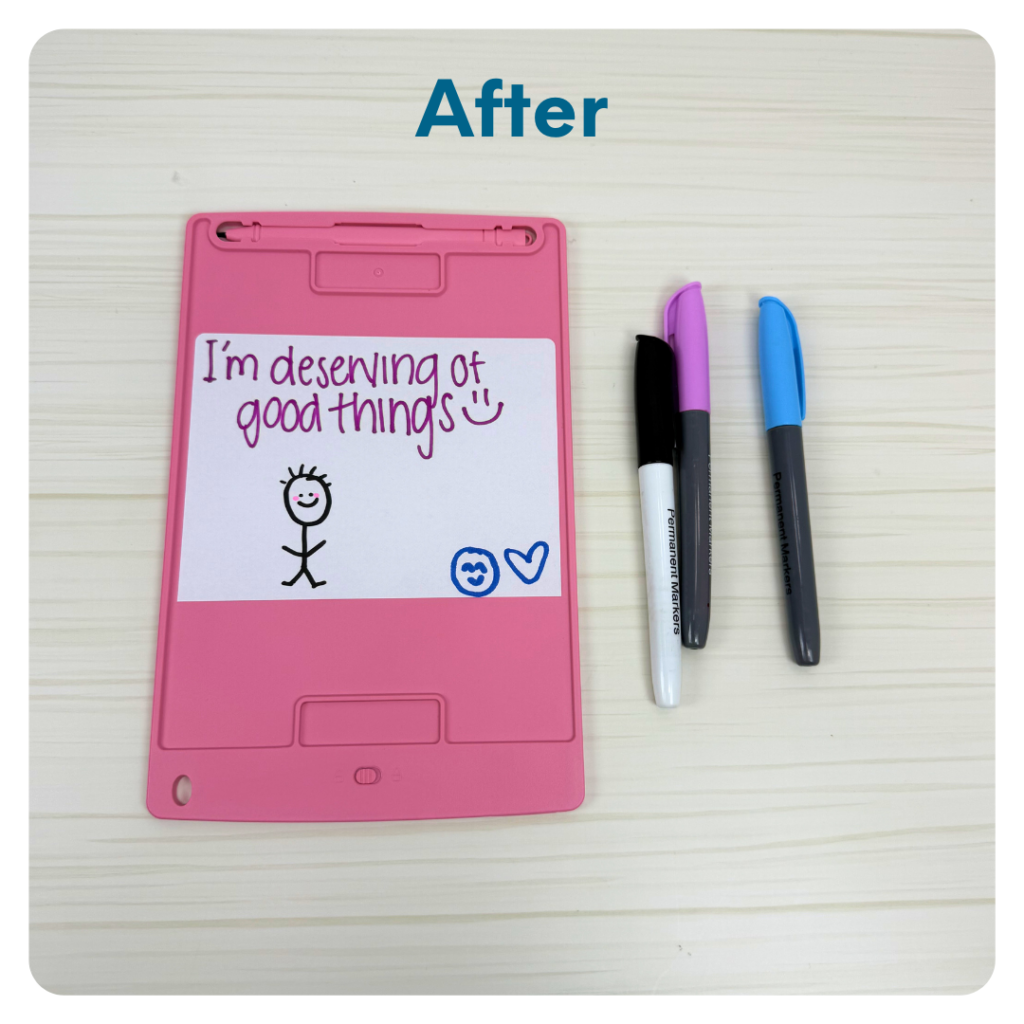
Decorate the white 4″ x 5″ sticker with an encouraging/inspiring message. Peel the sticker off and stick it to the back of the LCD tablet. This way, whenever the child is using their tablet, they can see your hopeful message on the back.
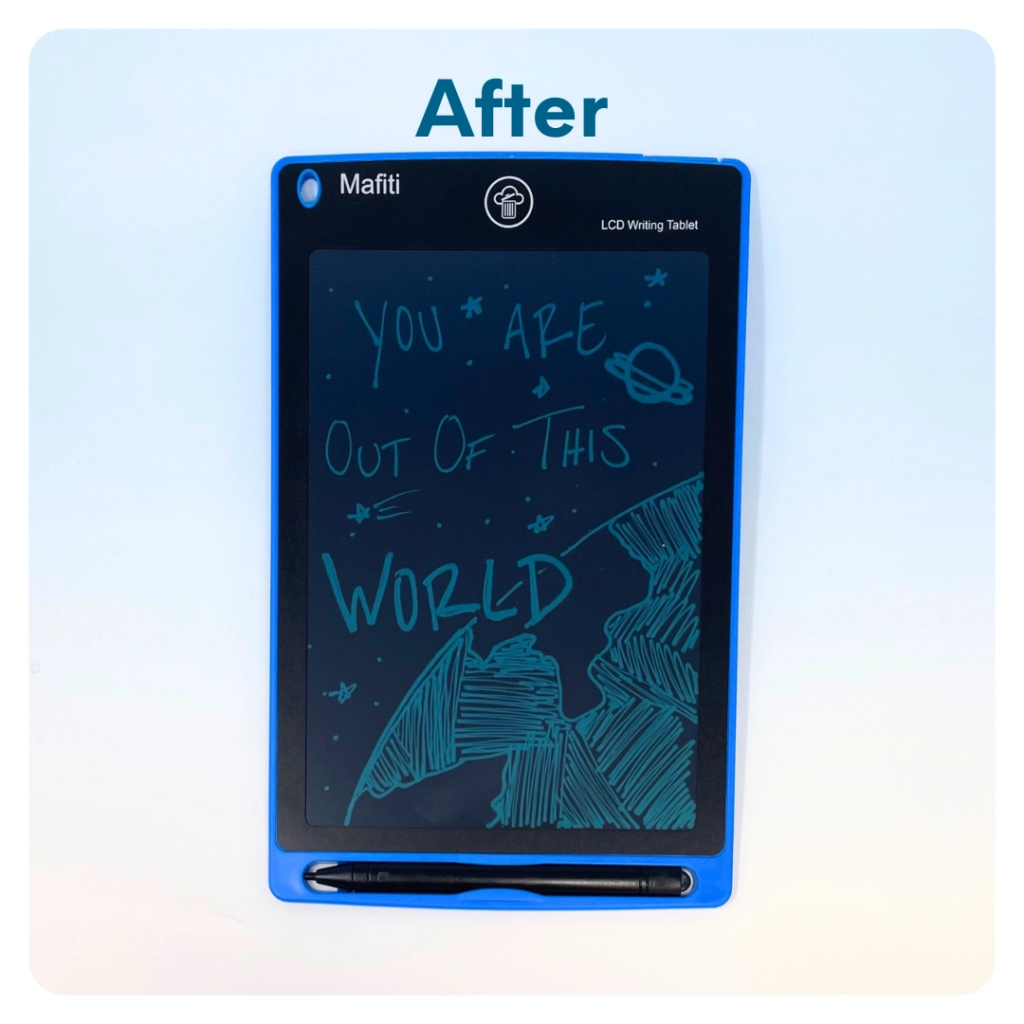
- You can also write an encouraging message on the front of the tablet using the tablet pen. After you write your message, turn the tablet over and lock the screen by flipping the switch to “lock”. When the child opens their activity kit, your message will still appear on the front of the tablet. If you choose to do this, include instructions somewhere on the 4” x 5” sticker on how to unlock the screen so the child can erase your message and start using it for their own creative projects.